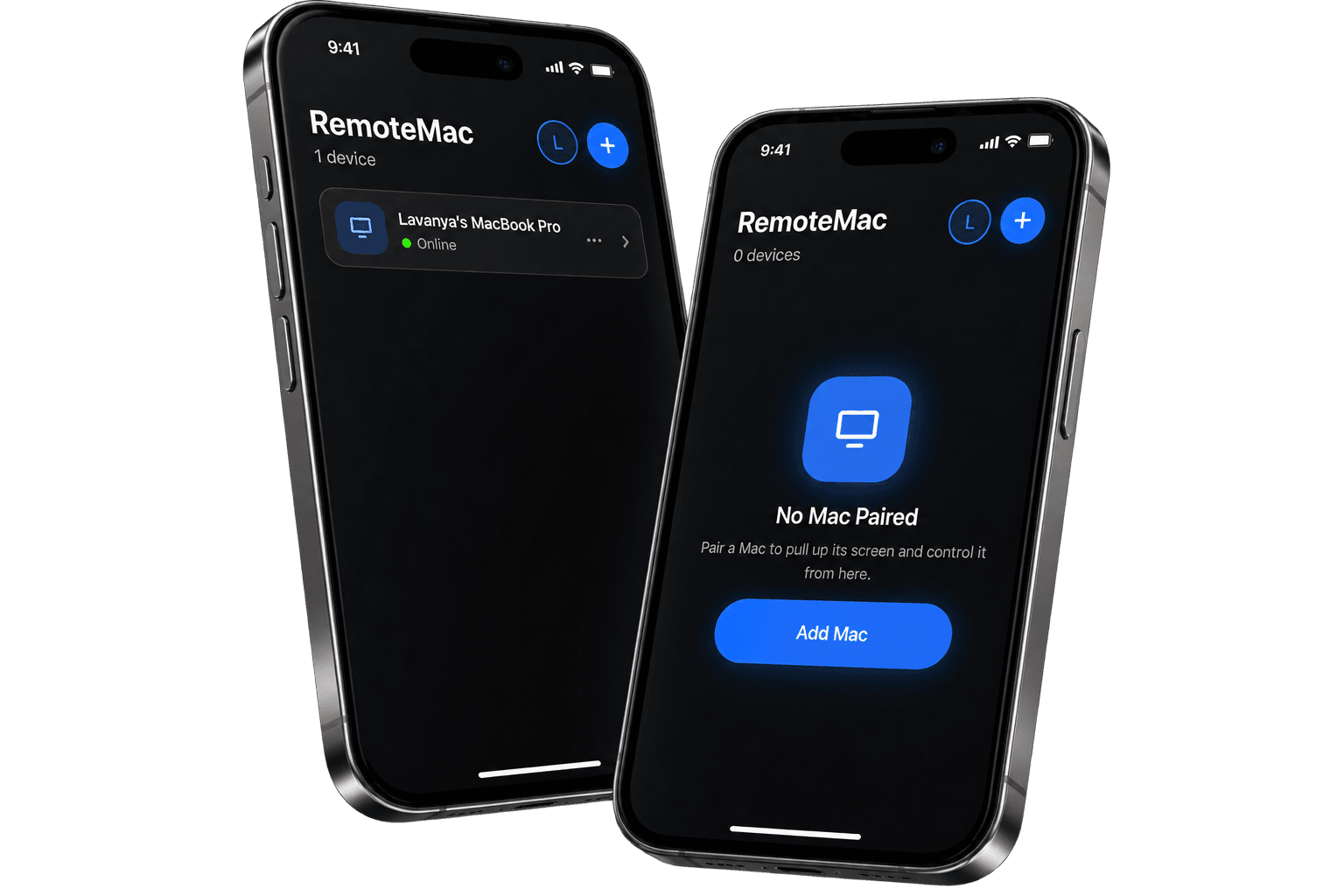
Your Mac.
Right there on your iPhone.
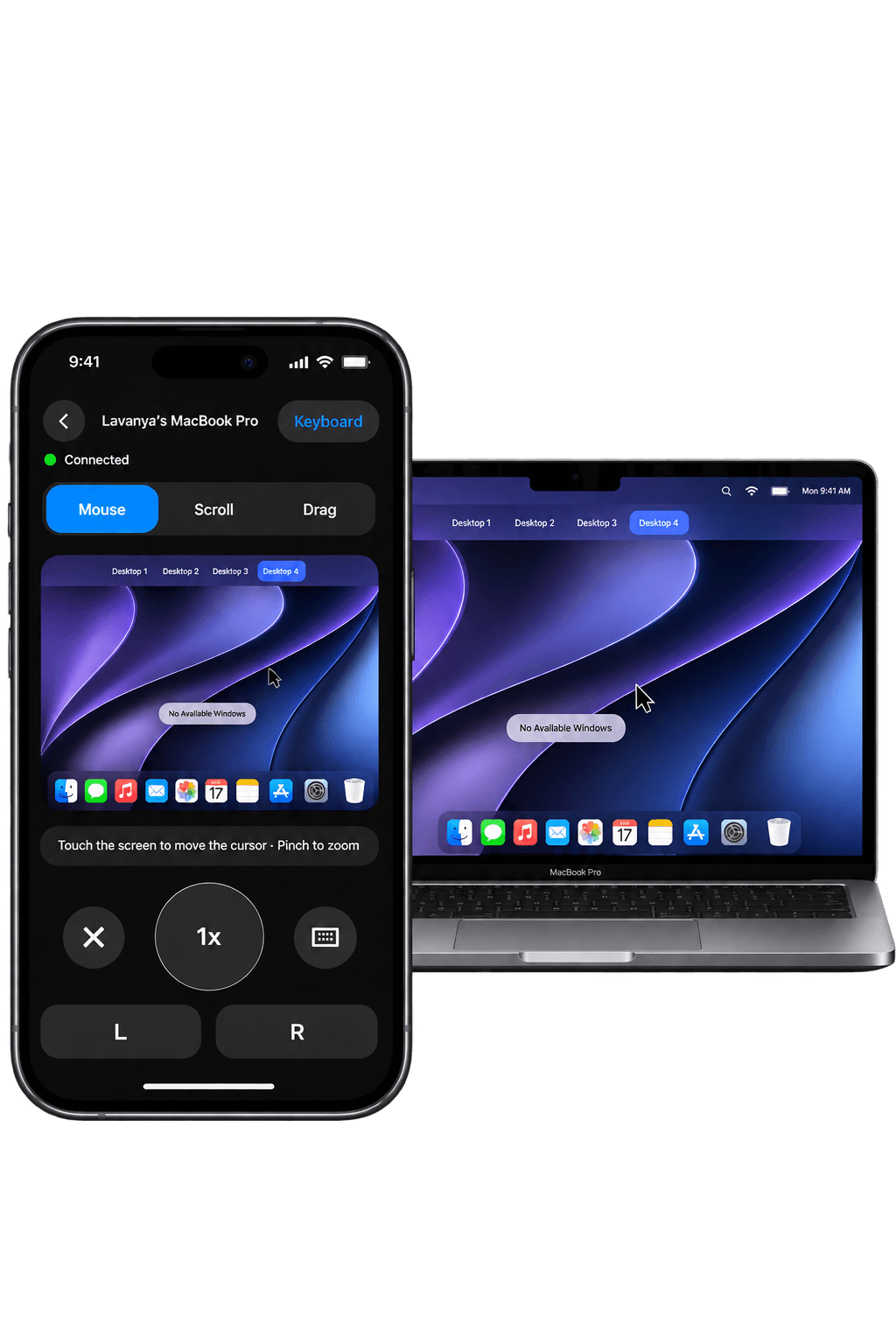
See your Mac's screen and control it — cursor, keyboard, and all — from wherever your iPhone is. Pair once, then it's peer-to-peer.
Source-available today. Build it yourself with Xcode — TestFlight and the App Store are next.
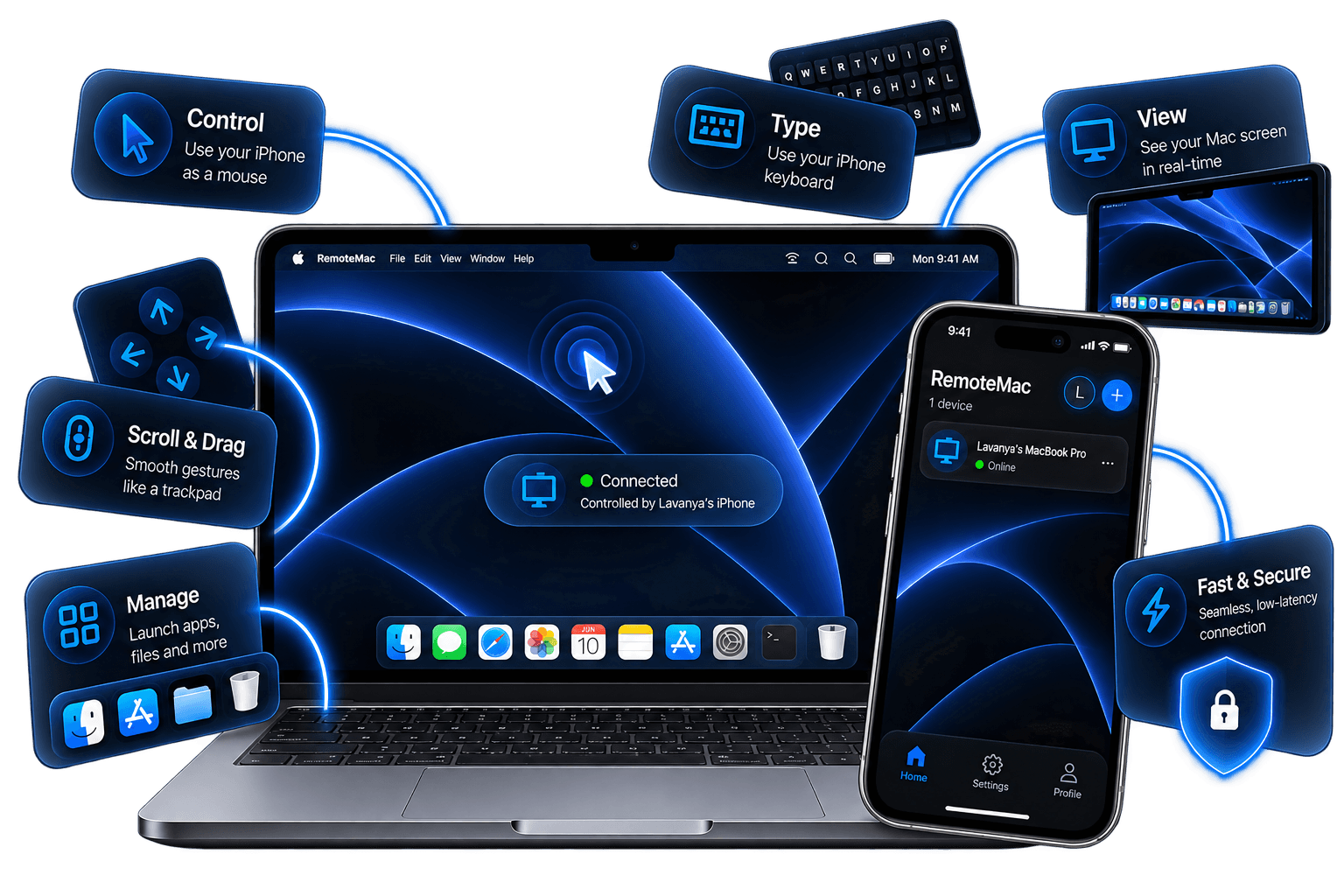
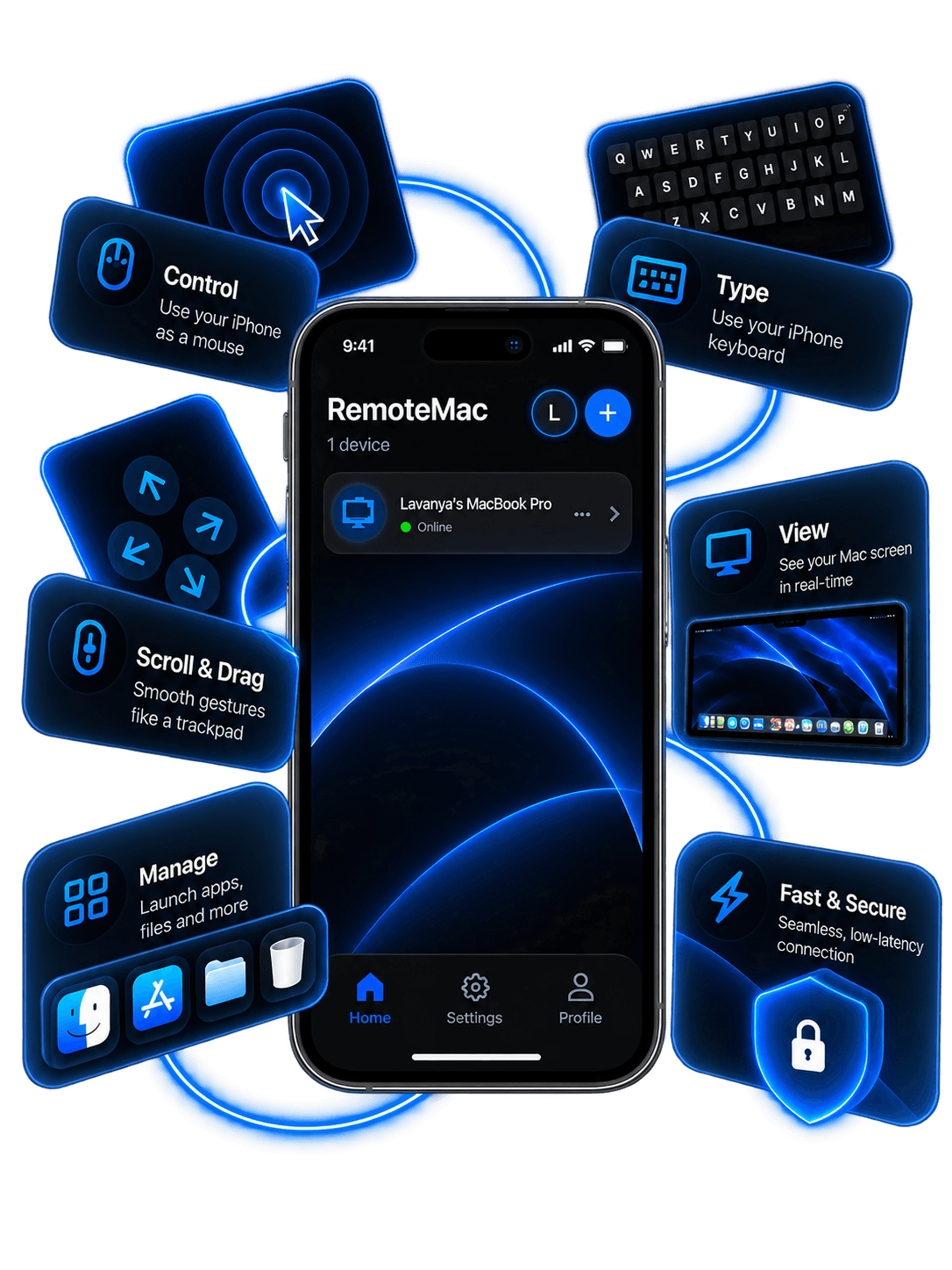
Everything you need to reach your Mac.
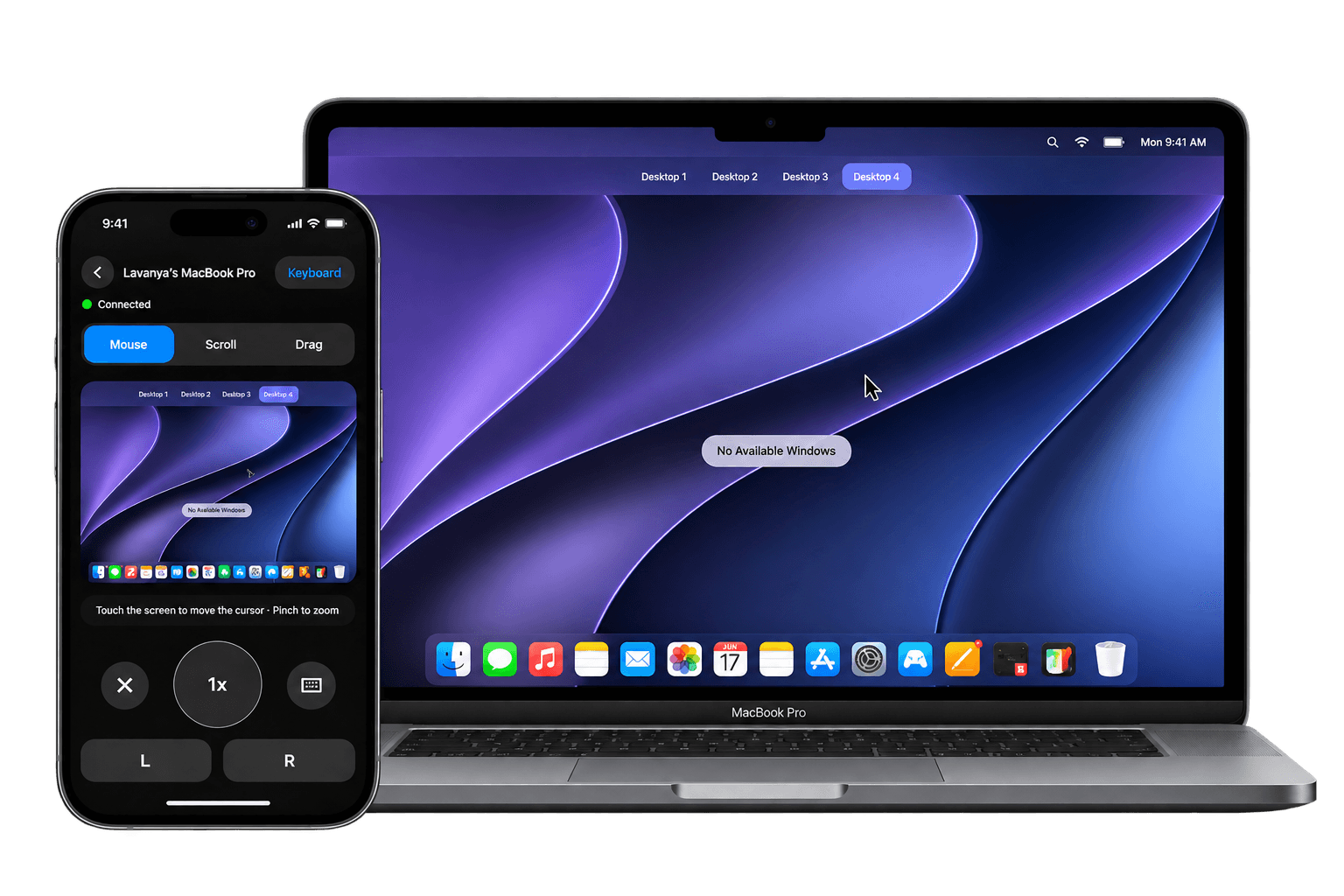
From install to in control, in three steps.
- 01
Install on both
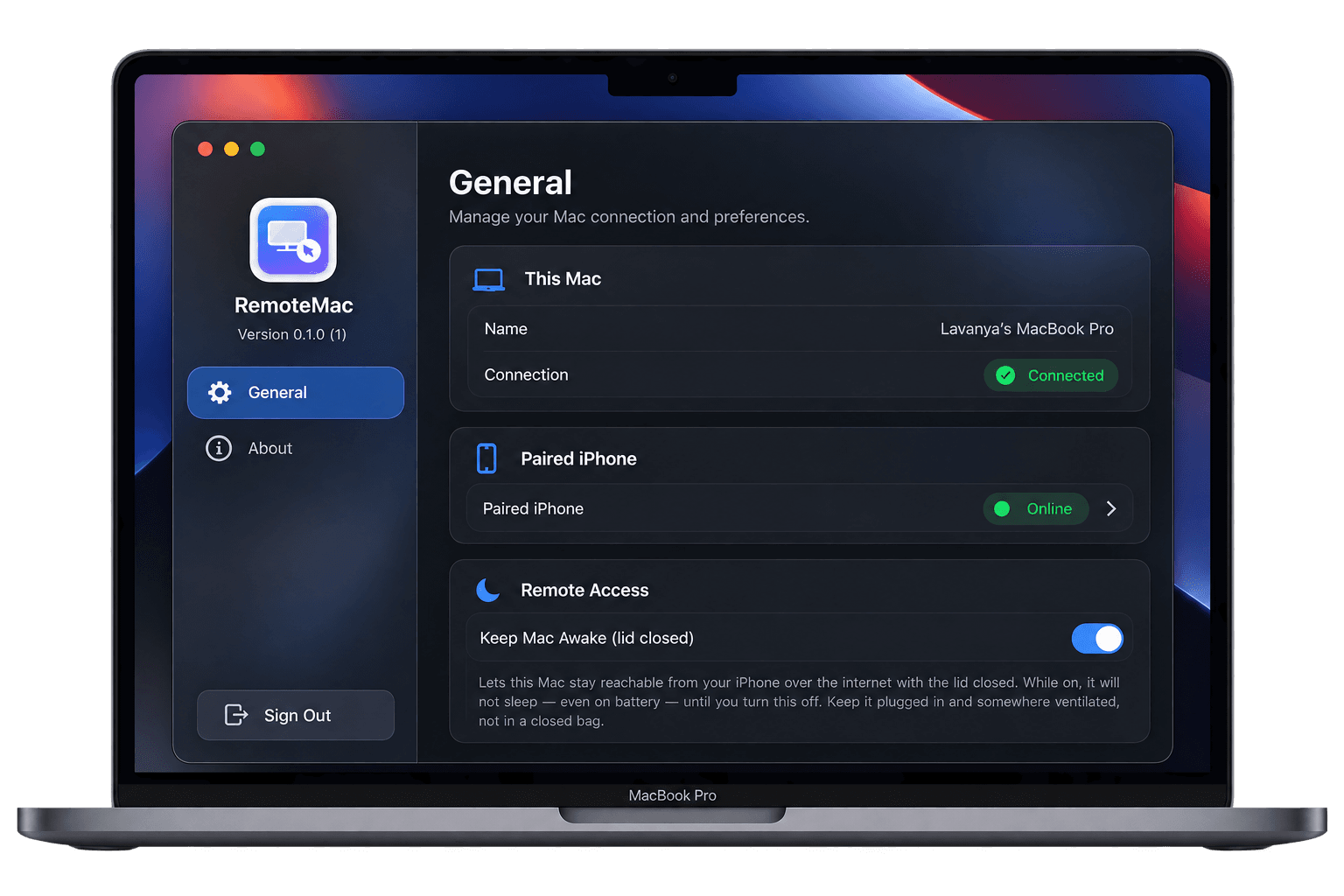
Build the Mac app and the iPhone app from source with Xcode, and sign in with the same account on both.
- 02
Pair once
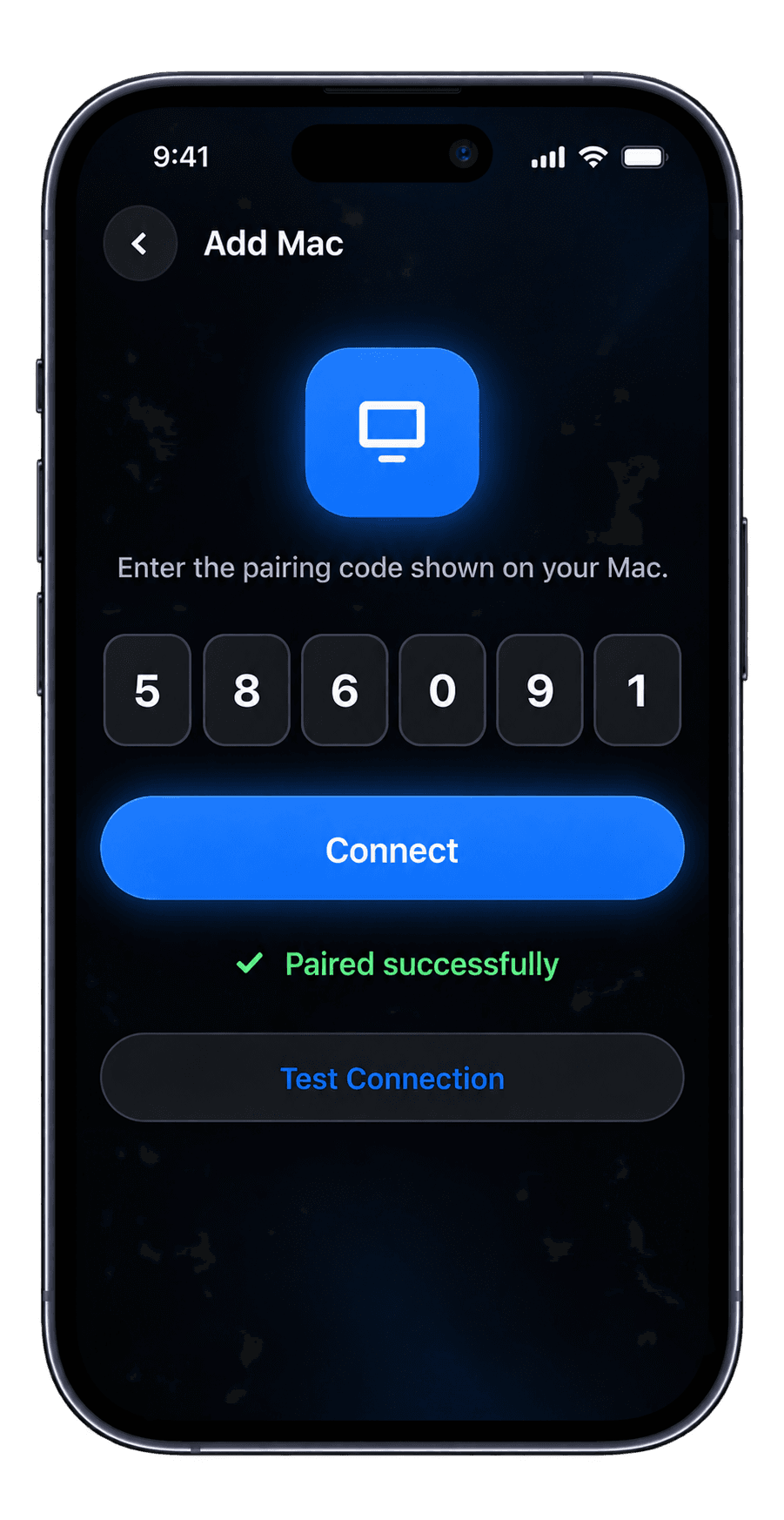
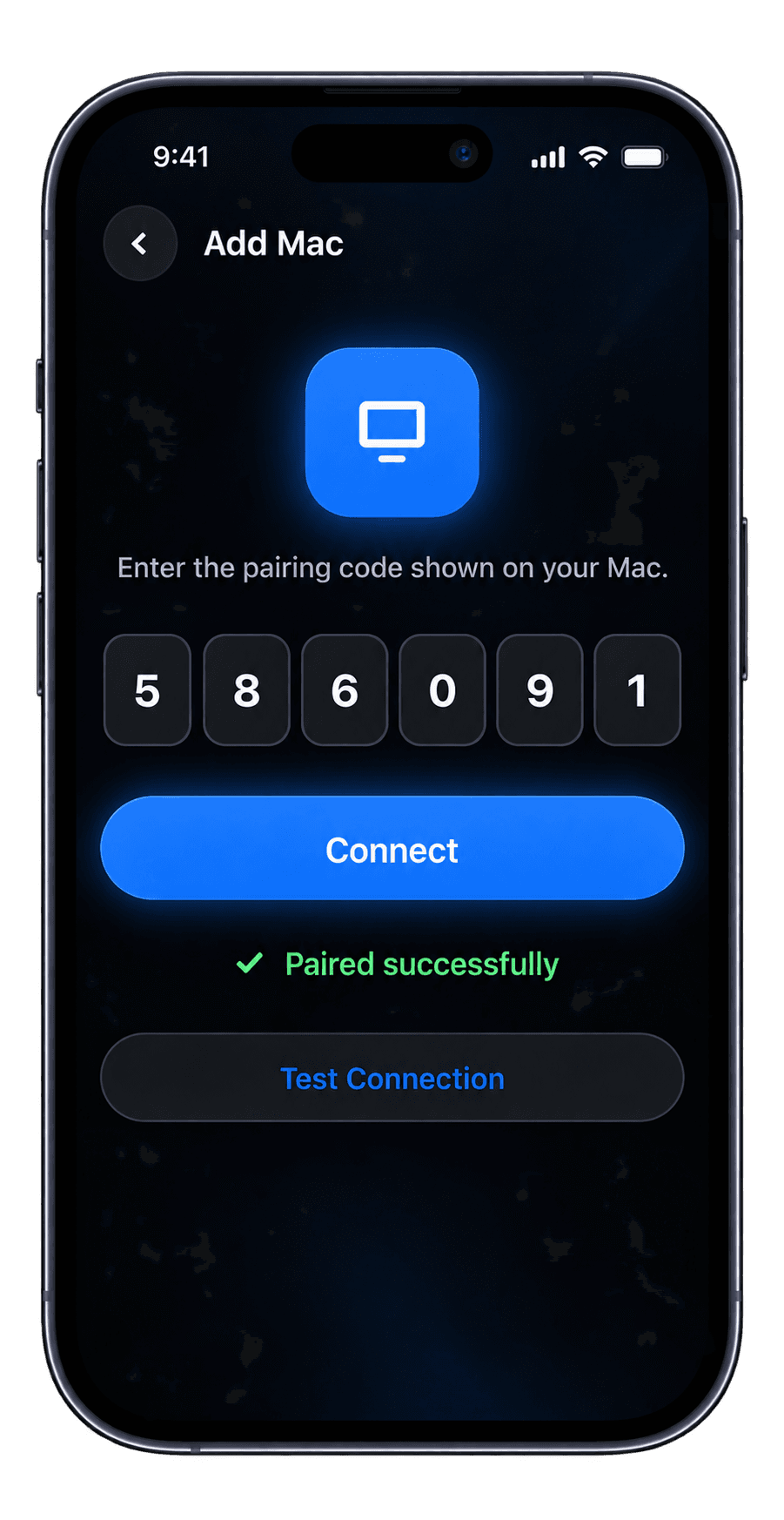
Your Mac shows a six-digit code. Enter it on your iPhone, then approve the request on your Mac.
- 03
Control your Mac
Open Screen Mode on your iPhone to see your Mac's screen and start controlling it immediately.
A friendly first run, right on your Mac.
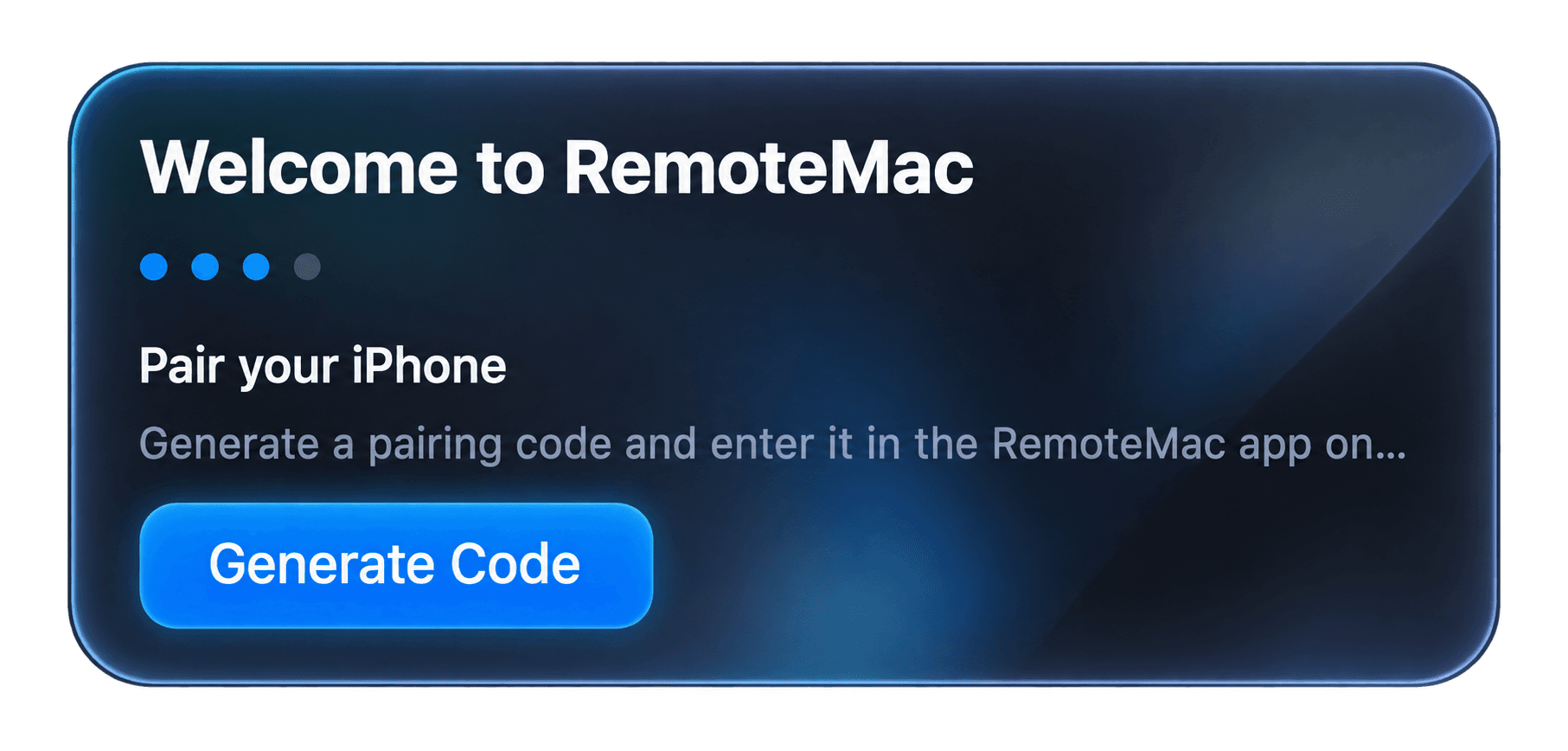
Generate a pairing code
Open RemoteMac on your Mac and tap "Generate Code" — a six-digit code appears, ready to enter on your iPhone.
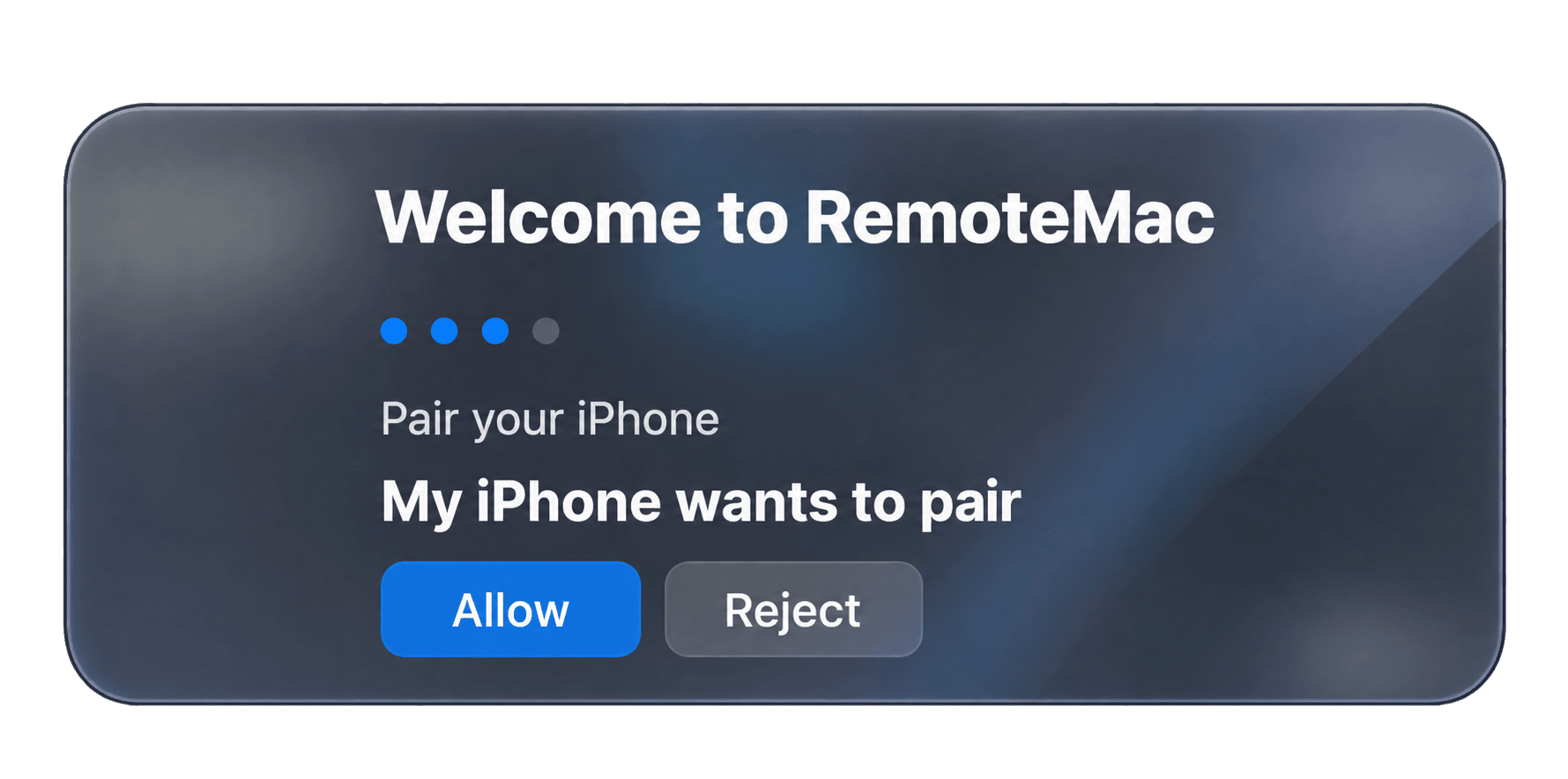
Approve the request
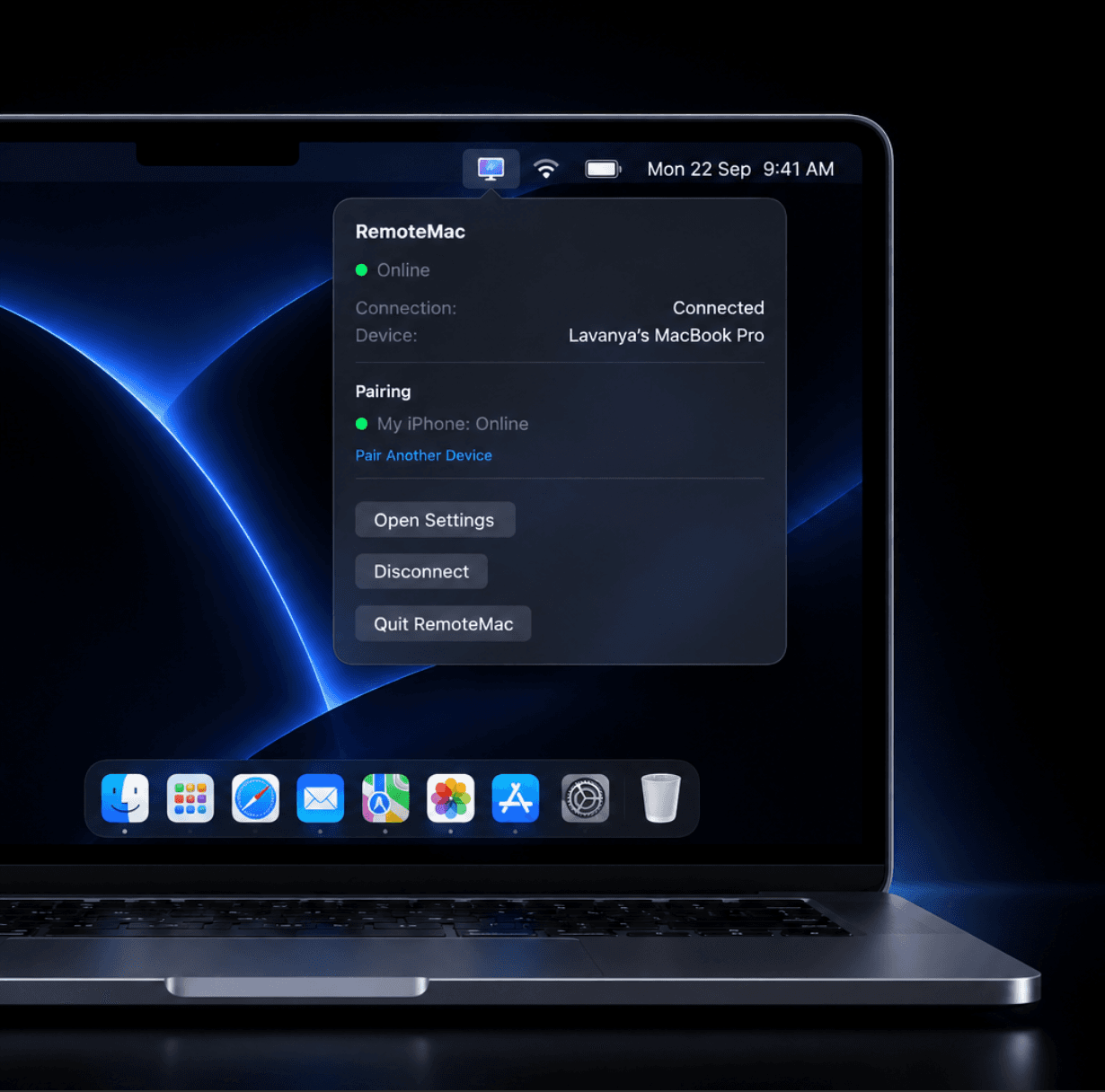
The moment your iPhone submits that code, your Mac asks you to confirm — tap Allow to let it connect.
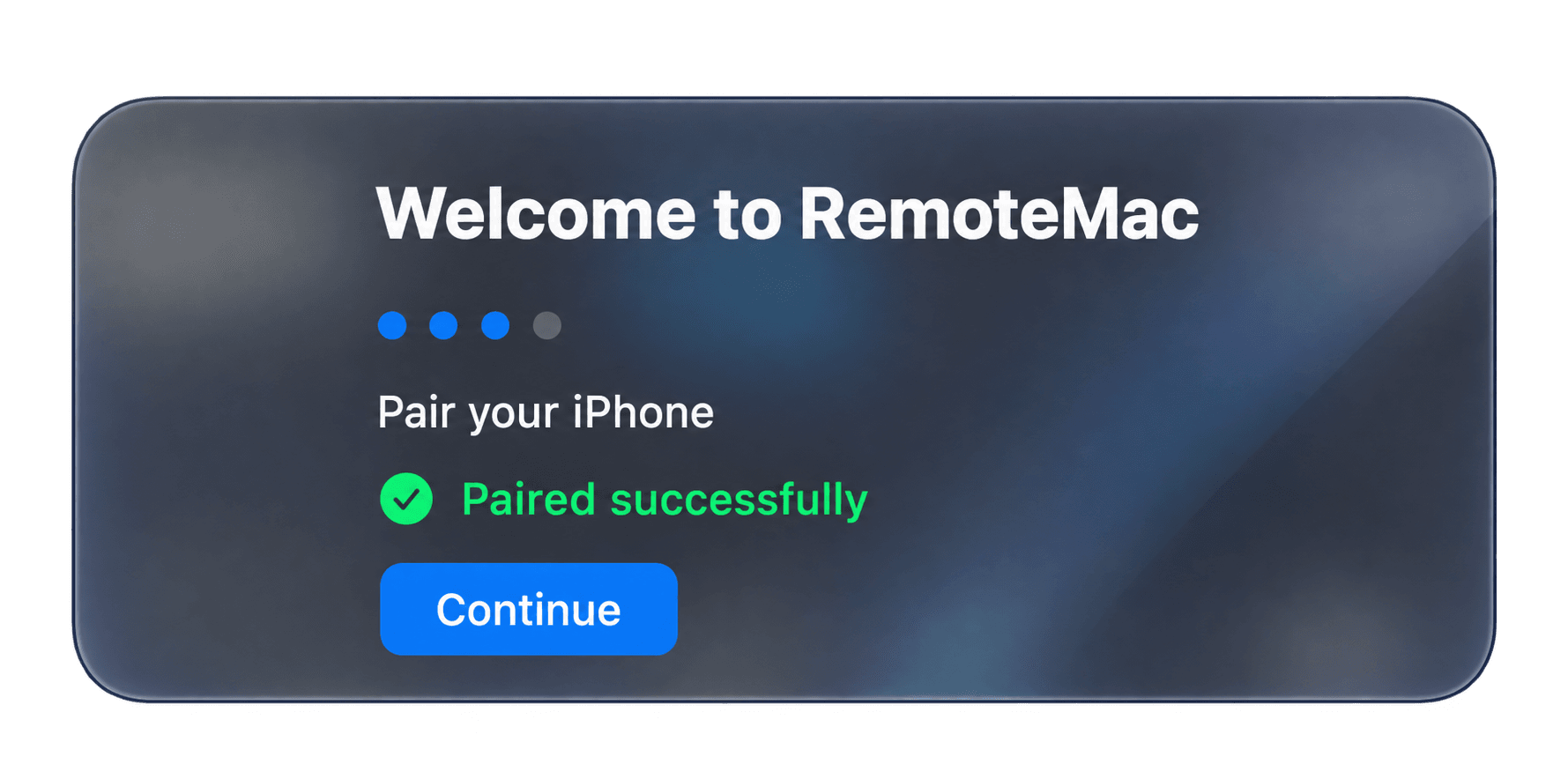
You’re connected
Paired successfully — hit Continue and your iPhone can see and control this Mac from anywhere.
Built around your two devices, not a server in the middle.
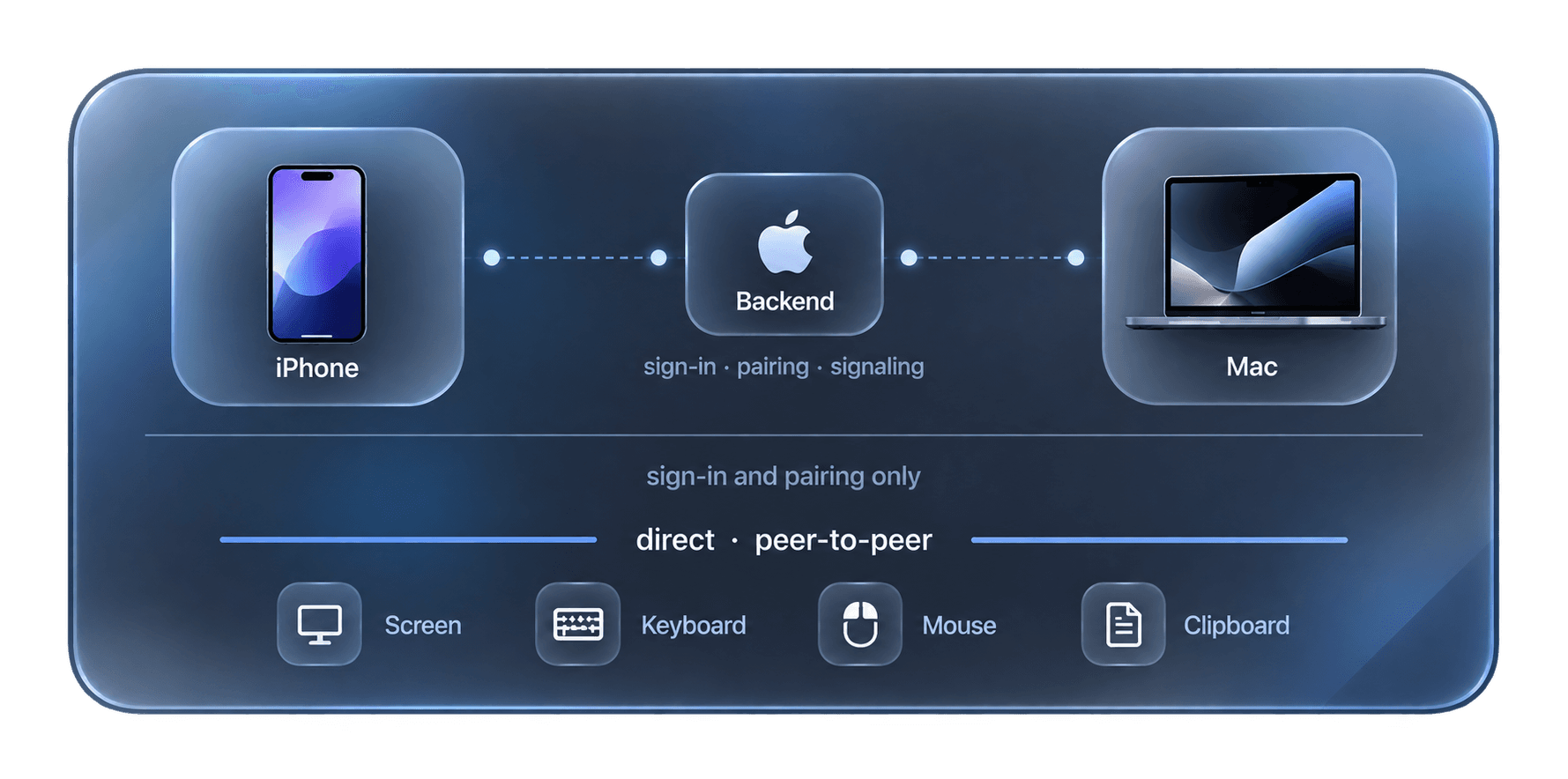
RemoteMac's backend only handles three things: signing you in, keeping track of your devices, and introducing your iPhone and Mac to each other so they can connect. Once that handshake (WebRTC signaling) is done, your screen, mouse, and keyboard data travel directly between your iPhone and Mac — the backend doesn't see any of it.
- Signing in and pairing only
- The backend authenticates your account, keeps your device list, and brokers the initial connection request. That’s the extent of what it does.
- Direct after that
- Once your devices are connected, screen frames, keystrokes, and mouse input flow peer-to-peer over WebRTC — routed through a relay only when a direct path isn’t available.
- You approve every pairing
- A pairing code only connects a device once your Mac explicitly approves it — nothing pairs automatically.
Upcoming premium features.
Planned, not built yet. Have an idea or want to help build one? Contributions are welcome on GitHub.
Remote terminal
A real shell on your Mac, right on your iPhone.
Clipboard sync
Copy on one device, paste on the other.
Voice input
Dictate text to your Mac with iOS speech recognition.
Connection diagnostics
Live latency and stream stats for every session.
Your Mac.
Your iPhone.
One remote.
Free and source-available. Build it yourself today.